
Campus errands & peer deliveries,
fast, fair & local.
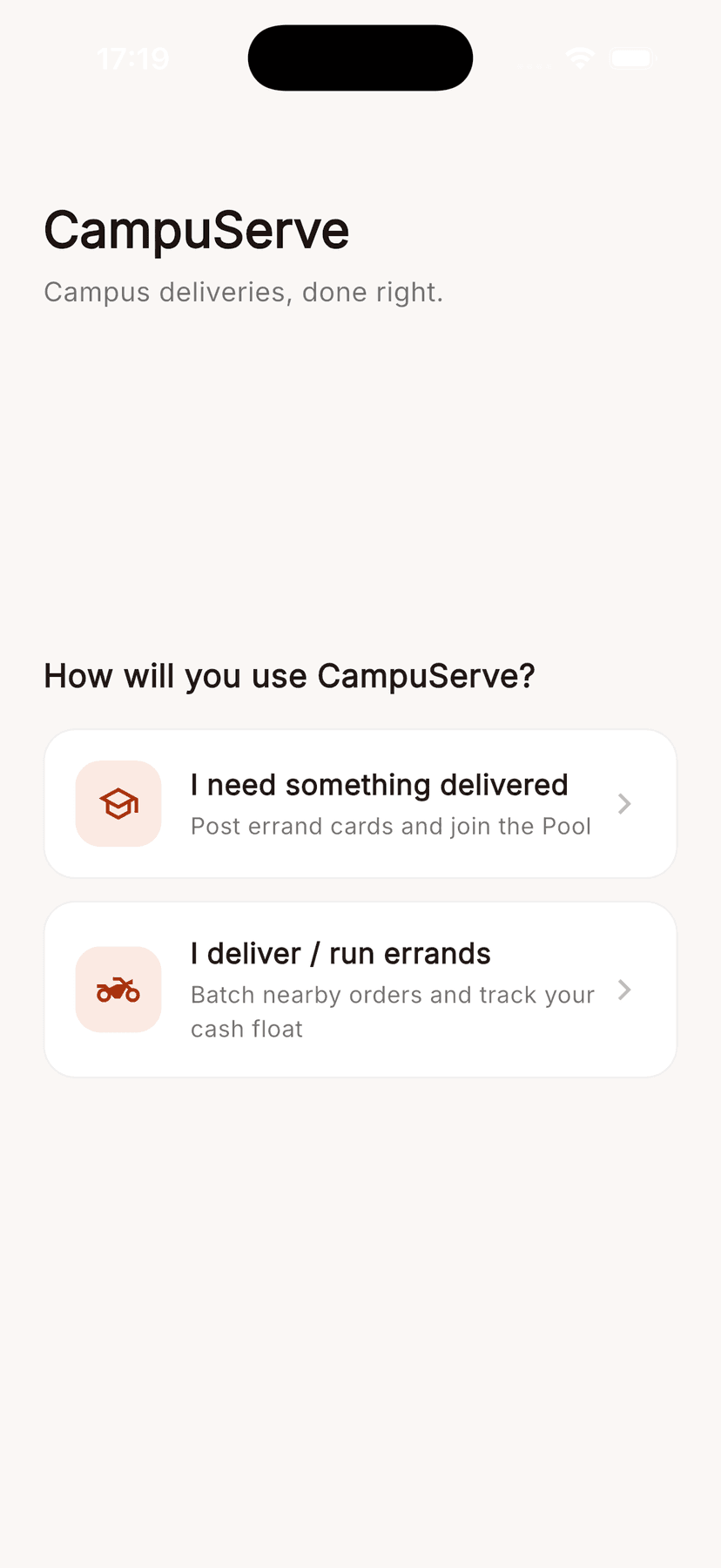
Need snacks, coffee, or market items delivered across campus? Post an Errand Card with your offer in MAD, negotiate live with student drivers, or join a group run!
Built for campus life
Everything students and runners need for quick, transparent peer-to-peer delivery.
Itemized Shopping Lists
Add multiple items line-by-line with Enter key navigation. Specify exact pickup spots like Fast Amigo or Marjan.
Real-Time Negotiation
Drivers propose counter-offers in MAD. Students review driver names and accept the best price with a single tap.
Group Runs (Pooled Delivery)
Split delivery costs with classmates! Form a group order that auto-surfaces to drivers when headcount is reached.
Master Location Catalog
Seamless pickup details for Fast Amigo, Marjan, and Campus 2 with clear directions and spot menus.
Cash Float Tracker
Runners log out-of-pocket goods expenses and track pending vs. delivered net earnings in real time.
Instant Role Switcher
Switch between Student Mode and Driver Mode inside your profile menu with a single tap.
See CampuServe in action
Click any step below to see the corresponding mobile screen in real time.
1. Post an Errand Card
Select your pickup spot, set your MAD budget, and list your itemized shopping items. Your request immediately enters The Pool.
2. Negotiate or Accept Offers
Nearby student drivers browse open requests in The Pool, send counter-offers in MAD, or accept your order with a single tap.
3. Track to Delivery
Watch status flip from Accepted → Picked up → Delivered with real-time updates and instant cash float tallying for runners.
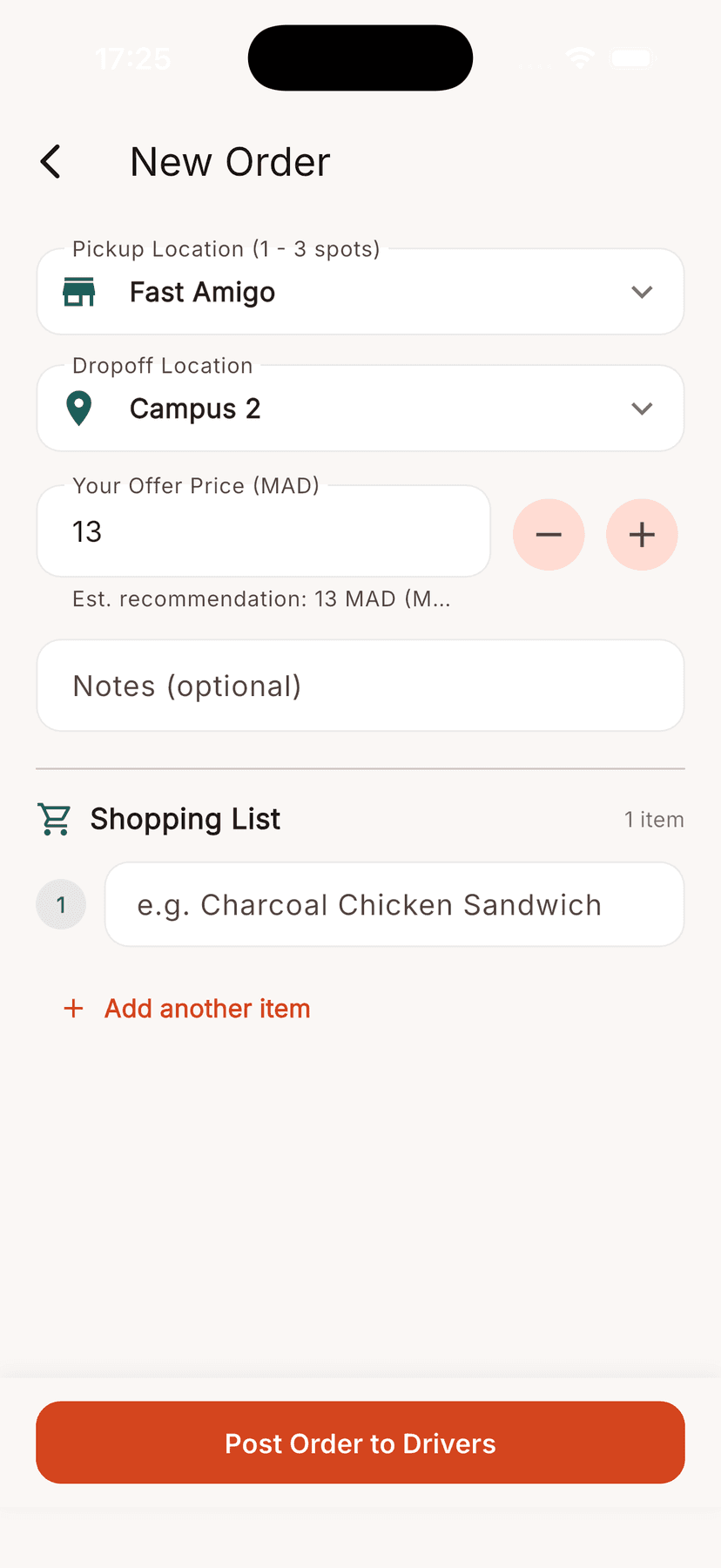
Showing 1. Post an Errand Card
How simple it is
Post
Student creates an Errand Card with shopping list items and proposed fee in MAD.
Negotiate & Accept
Driver claims the order from The Pool or sends a counter-offer.
Deliver & Earn
Driver marks items picked up and delivered, tracking earnings on their run.